Tesla 2026.44.1 Update Groups Superchargers and Redesigns Service Menu
- James Brown
- 565 views
Tesla update 2026.44.1 tidies Supercharger map views, reorganizes service controls and renames the vehicle’s AI Computer to SI Computer.
Tesla’s 2026.44.1 software update focuses on everyday interface changes: charging locations are easier to scan on the navigation map, service information has a clearer home, and the vehicle computer gets a new label. The update began rolling out to a small share of the fleet on November 17, 2026, with the release notes reporting 1% of vehicles and 125 installs that day.
There’s no stated change to charging performance or vehicle capability in these details. The practical value is in how owners find information and controls: less map clutter when looking across a region, and fewer items competing for space in the Service menu.

Supercharger maps scale more clearly
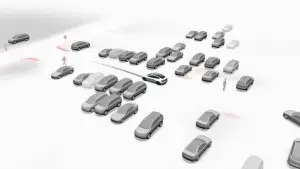
When several Supercharger locations sit close together, their individual map pins can overlap or crowd the navigation display. Version 2026.44.1 groups nearby sites into a single numbered marker when the map is zoomed out. Zooming in reveals the individual locations, so drivers can move from a broad view of network coverage to a closer look at charging options.
That change should make the map easier to read when planning across a wider area, where a cluster of pins can obscure the roads and nearby destinations. It also gives the display a useful scale: the grouped count signals that multiple sites are in the area, while a closer view restores the location-by-location detail. The update does not specify changes to charger availability information, route planning, charging speeds or prices.
Tesla says the revised charging view is available across its vehicle lineup, including cars with Intel and AMD processors and legacy Model S and Model X vehicles. That broad compatibility matters for an interface change: owners of older vehicles can get the map treatment without needing newer cabin hardware.
Service controls move into two tabs
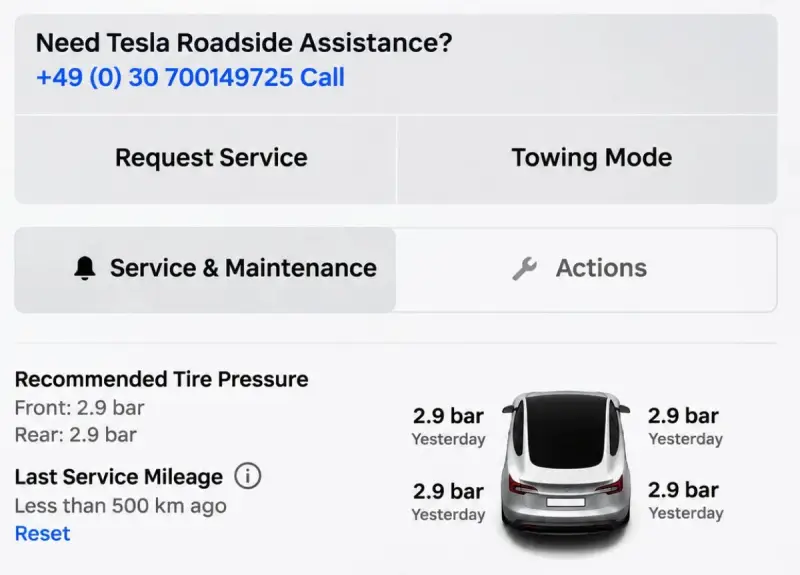
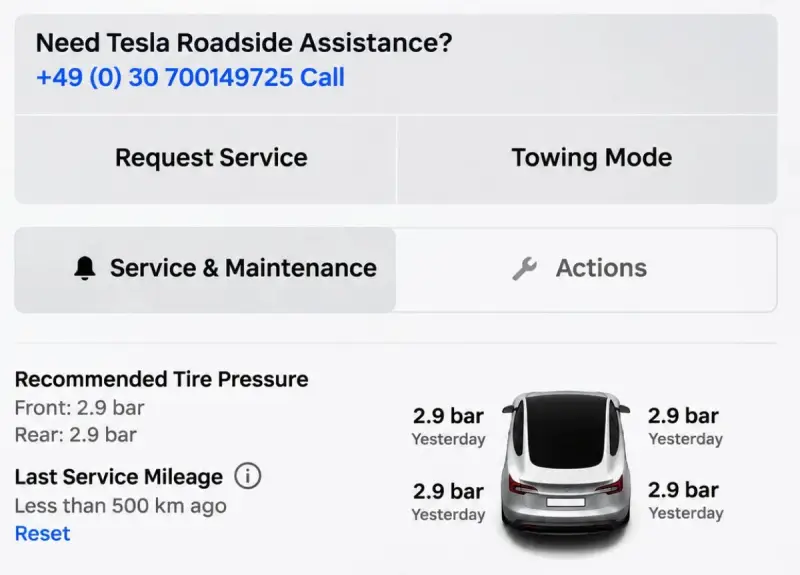
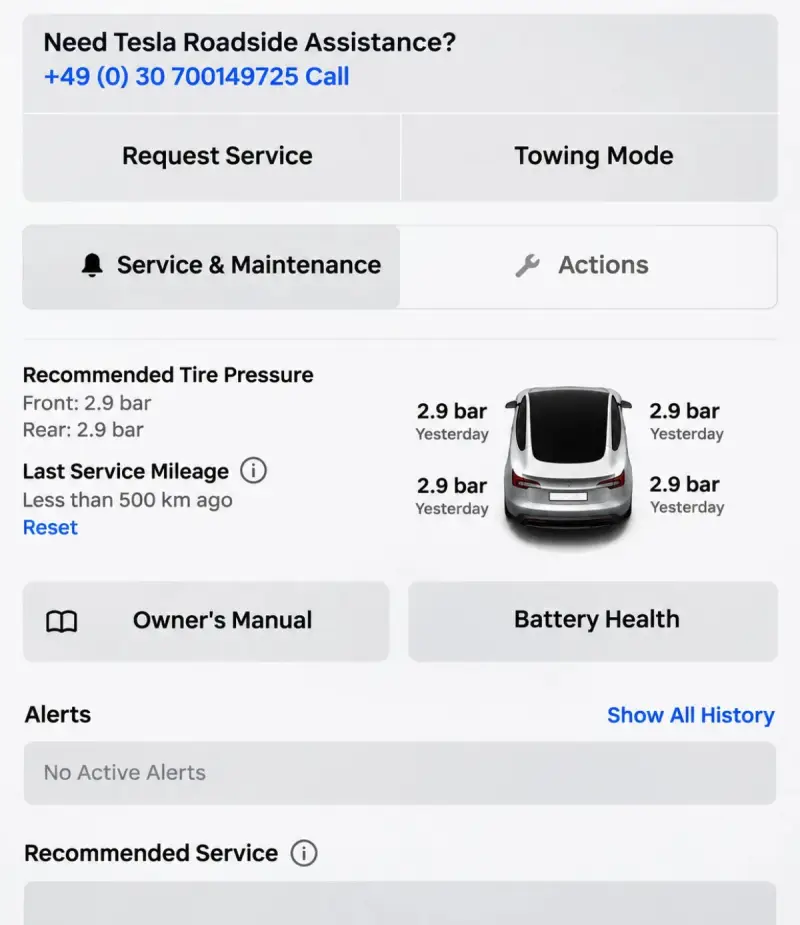
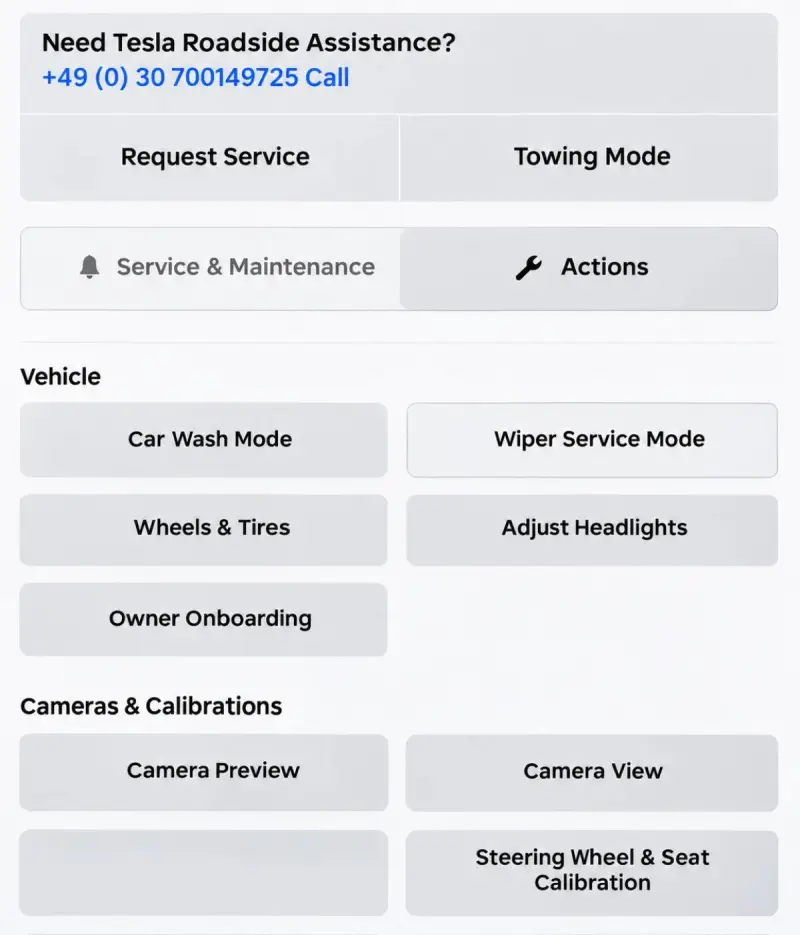
The redesigned Service menu, found under Controls, reduces the size of the vehicle graphic that previously took up much of the screen to show tire pressures. The freed space gives the maintenance details and frequently used vehicle actions more room.
Information is now split between Maintenance and Actions. Maintenance brings together tire pressures, recommended maintenance, battery health information and other vehicle details. Tesla has previously added a Maintenance Summary for tracking service intervals and recording completed work; the new organization places that type of ownership information alongside other condition and upkeep details.
Actions collects controls owners may need to reach directly, including Car Wash Mode, Wiper Service Mode, camera previews and headlight adjustments. Separating these from service records and condition information should make the menu easier to scan when an owner is looking for a particular task. The controls themselves remain part of the menu; the change is their layout and grouping.

For drivers, this is a modest usability improvement rather than a new maintenance capability. Bringing tire pressures and battery health into the same tab as maintenance recommendations gives owners a more coherent place to check vehicle condition. The Actions tab, meanwhile, keeps settings and service modes close at hand without mixing them into that information view.
Computer terminology changes
In the software section’s Additional Vehicle Information, Tesla now calls the vehicle’s “AI Computer” the “SI Computer.” The same terminology has appeared in Tesla owner’s manuals, where “SI Computer” replaced “FSD Computer.” The update describes a name change only; it does not indicate a hardware revision or a change in vehicle functions.

For owners, the new label is mainly a detail to recognize when checking vehicle information. It doesn’t, by itself, point to a change in the car’s driving features or computing hardware.

Unconfirmed interface items and rollout
Other changes referenced in the update include a possible new navigation option and adjustments involving Grok’s wake word and chat history. Their status is unclear, so they shouldn’t be treated as features that are available to drivers yet.

Version 2026.44.1 had only begun reaching a small portion of Tesla vehicles at the time of the initial rollout. The release notes point to further rollout waves, but the timing for broader availability isn’t specified. For now, the clearest changes to watch for are the clustered Supercharger markers and the two-part Service menu; the additional navigation and Grok items need confirmation before owners can count on them.