Tesla iPhone App Switches to Google Maps, Smoothing Supercharger Site Maps
- Michael Miller
- 337 views
Tesla app 4.63.0 brings Google map tiles to iPhone, aligning iOS with Android and making Supercharger Site Maps smoother.
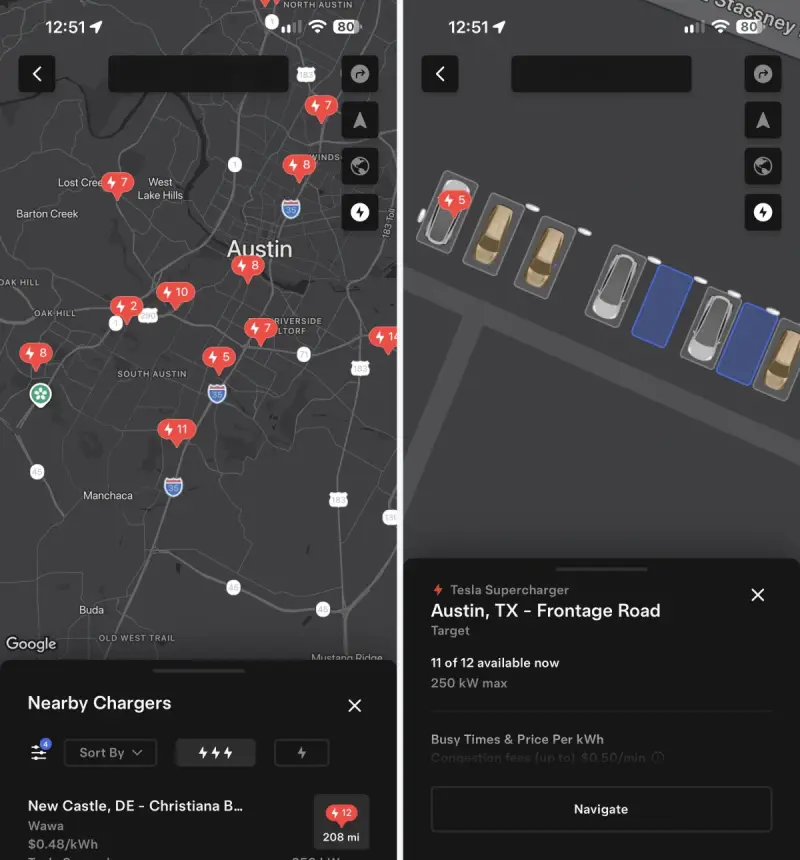
Tesla’s iPhone app now uses Google Maps across its mapping views, fixing a visible hitch in one of the app’s more useful charging features. Version 4.63.0, which began rolling out this week, replaces Apple’s map tiles and satellite imagery with Google’s and brings the iOS experience in line with Tesla’s Android app.
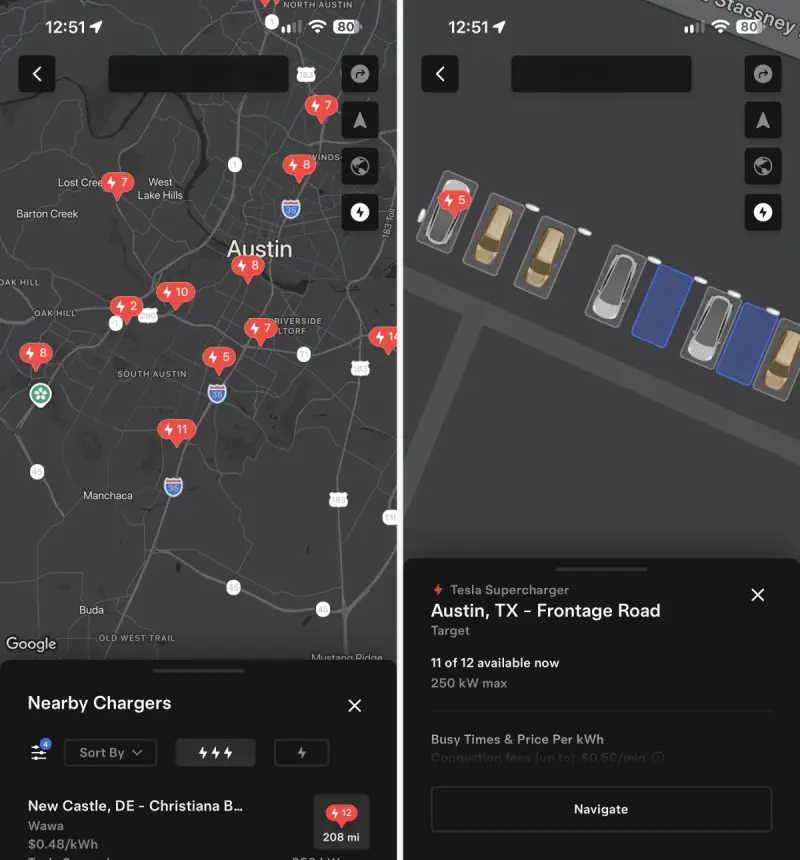
For drivers, the practical change is most apparent at Supercharger locations. Zooming into a station’s Site Map on iPhone now moves smoothly, without the pause caused by switching between Apple Maps and the Google-powered site view. The update also gives Tesla a more consistent mapping foundation across its mobile apps and vehicles, though some in-car map controls still haven’t made their way to the phone.

One map system across Tesla’s apps
Until this update, Tesla used Apple Maps on iOS and Google Maps on Android. Google mapping services already powered some features in the iPhone app, including points of interest, but the map display itself relied on Apple. Version 4.63.0 changes that arrangement: both mobile platforms now use Google’s map tiles and satellite imagery.
The switch affects several everyday screens, including the view of a car’s location, destination selection and Summon. Google’s map styling is more muted and grayscale than Apple’s, so iPhone owners may notice a different visual treatment even when they’re checking familiar information. Satellite imagery can also vary considerably by location because the two providers’ images differ in age and quality from one area to another.
The same mapping change extends to Tesla’s large-screen app experience for iPad and iPhone Duo. The change is therefore broader than a cosmetic refresh on a standard iPhone: it gives Tesla a shared map display across its iOS app formats and Android.
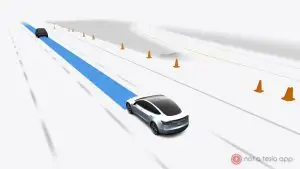
Why the Supercharger view feels better
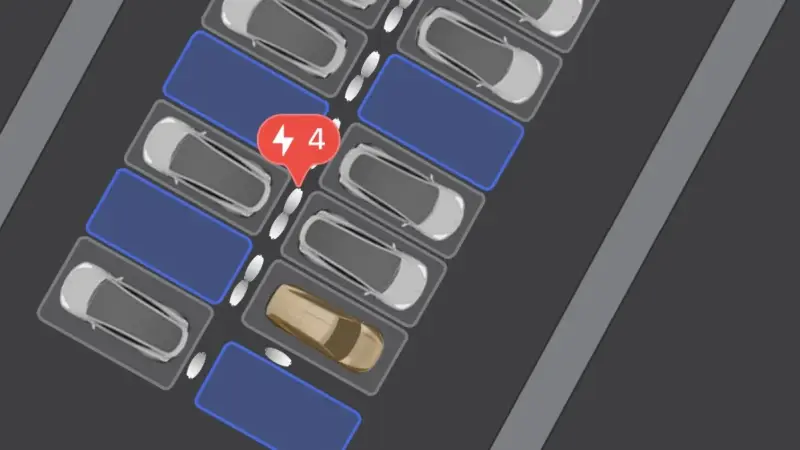
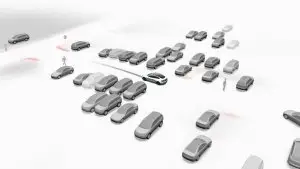
Tesla introduced 3D Supercharger Site Maps in app version 4.61.0 in September. These overhead views show charging stalls, parking spaces and vehicles at a station, helping drivers get a sense of the layout before arriving. That can be useful when choosing where to pull in or orienting yourself at a site with a less familiar arrangement.
On iPhone, however, entering a Site Map meant moving from the app’s Apple Maps display to a feature powered by Google Maps. That handoff caused a stutter while zooming. With Google now supplying the map tiles throughout the app, the transition is smoother. It’s a focused usability improvement: the underlying station information remains the same, but reaching the detailed view no longer carries the same visible interruption.
The app still lacks the ability to rotate a Site Map or adjust its camera angle. Tesla’s vehicles offer those controls, so drivers who want a different perspective must still use the in-car display. For now, the phone provides a useful overhead preview, but not the full set of map interactions available in the car.
Some vehicle map features are still absent
Not every recent charging display feature has reached the app. Vehicle software update 2026.44.1 groups nearby Superchargers under a single numbered marker when drivers zoom out on the vehicle display. That clustered view hasn’t appeared in the app so far. The distinction matters most when several stations are close together: the vehicle screen can condense them at a distance, while the app’s map hasn’t gained that same treatment.
The map provider could change again in the longer term. Tesla has said it’s developing its own AI-based maps, with an initial rollout expected alongside FSD v15. No timing or detail beyond that has been provided here, so Google remains the mapping system users encounter in the current app update.

For iPhone owners, version 4.63.0 is chiefly about consistency and a smoother path into charger details. Google’s maps now connect the car-location, destination and Supercharger views without the earlier provider switch. The next useful additions to watch for are the vehicle’s map-angle controls and clustered Supercharger markers; until those arrive, the app’s clearest gain is a less interrupted view of station layouts.